Where it was taken.
Remove embedded GPS data before sharing a photo from home, work, or anywhere you'd rather keep private.
Photo privacy. On your device.
Remove location data. Hide faces and sensitive text. Keep control of what you share.
Free download. Optional one-time Premium unlock.
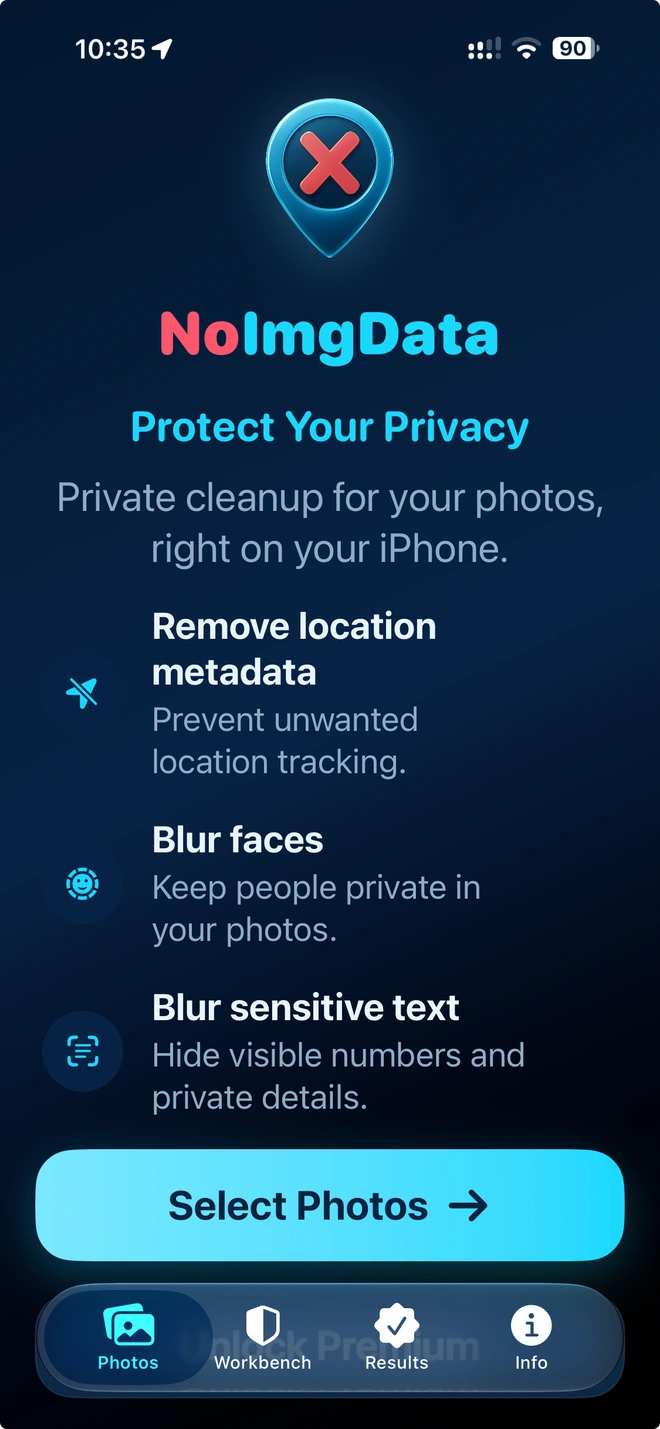
A little more thought. A lot less exposed.
Remove embedded GPS data before sharing a photo from home, work, or anywhere you'd rather keep private.
Hide faces with a strong pixelated mask. Keep the memory without putting everyone in the spotlight.
Cover visible text: a phone number, a sign, a document, or a detail you didn't mean to share.
You're still in control
No automatic tool catches everything. NoImgData gives you a way to check, adjust, and look again.
Pick photos from your library. See the location, face, and text detections.
Move or resize masks, add missed details, exclude a detection, and preview your edits.
Compare Original & Protected in Results, zoom in, and save or share a new copy.
Your originals stay untouched. Exports keep their original pixel dimensions.
Interactive illustration of text concealment, not an app screenshot. Your photos are never uploaded here.
Photo analysis and protection happen on your device, not on a processing server.
NoImgData can remove embedded GPS location data, hide detected faces with a strong pixelated mask, and cover visible text with an opaque mask. You choose which protections to apply. It is not a complete EXIF inspector or an all-metadata remover.
No. Detection and masking happen on your iPhone or iPad, without uploading photos to a processing server. Importing an iCloud-only original may require an internet connection. Purchases use Apple services, and photos you choose to share are sent to your selected destination.
Your original is not overwritten. NoImgData creates a new copy with the original pixel dimensions. Hiding faces or text changes those pixels. Depending on the protections and file format, an export may be re-encoded; the same pixel dimensions do not guarantee identical compression, HDR, or file size.
JPEG/JPG, HEIC/HEIF, and PNG photos. The output follows the supported source format where possible. RAW, animated images, video, and other formats are not advertised as supported.
It removes embedded GPS data when that protection is enabled. It does not hide landmarks, street names, house numbers, or other clues visible in the image. Other metadata, such as camera details or timestamps, may remain. Review visible details and masks before sharing.

Try it free. No account needed.
Download on theApp StoreiOS / iPadOS 17 or later. Optional Premium purchase.